Intelligent AI Agents to Automate Your Sales, Support, and Operations

AI shouldn’t just answer questions—it should execute workflows.

Basic chatbots frustrate users and get stuck. Our intelligent AI agents are built to understand complex context, handle multi-channel tasks—from answering support tickets and making voice calls to automating backend operations—and update your systems in real time without replacing your human teams.

AI Should Not Sit Outside Your Business

Most businesses already have CRM, support systems, finance tools, websites, forms, calls, and internal processes. AI becomes valuable only when it is connected to these systems with clear rules, controlled actions, auditability, and human escalation. That is the foundation of our AI Agents & Assistants service.

zoho-logo
Zoho Ecosystem
zoho-logo
LLM Intelligence
AI workflow automation layer illustration
Workflow Layer
AI automation layer illustration
Automation Layer
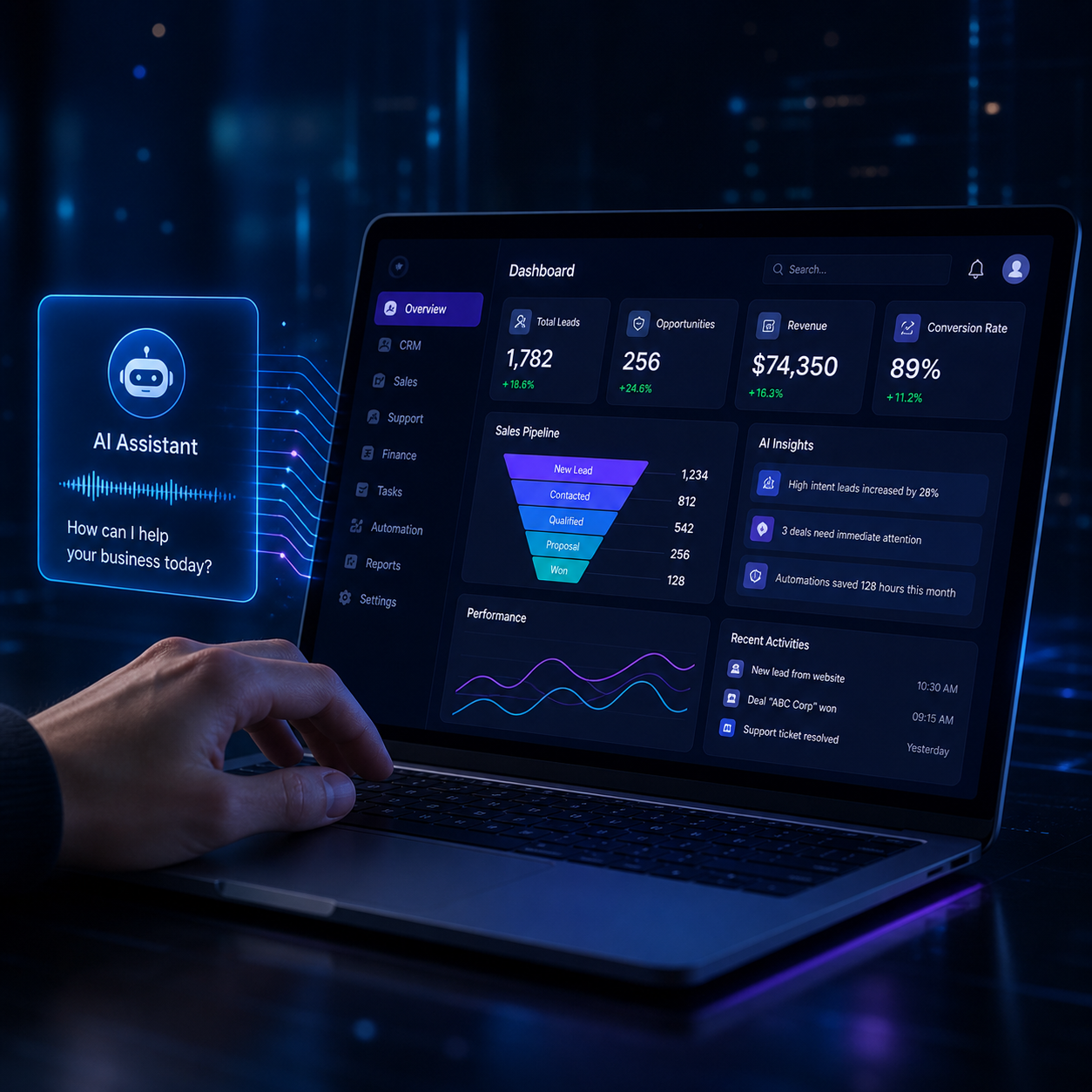
AI voice assistant for business communication

Define the agent before you automate the workflow.

Select an industry, business outcome, and connected application environment. The prototype will generate a recommended AI agent role and governed execution model.

Manufacturing & Distribution

Workflow Coordination Agent

Reviews operational context, monitors workflow progress, updates records across connected systems, and routes exceptions to the right team. Primary objective: automate repetitive work.

ReadsRecords, tasks, status, documents, activity history
ActsUpdates records, creates tasks, sends alerts, drafts responses
Approval GateCommercial commitments, sensitive cases, high-risk decisions
AppsCRM, ERP

Discuss This Agent

Share your details — our team will reach out with next steps.

Agent:
Industry:

AI Agents Designed for Sales, Support, Operations, Voice, and Analytics

Each agent is designed for a specific business function. We do not force one generic bot into every workflow.

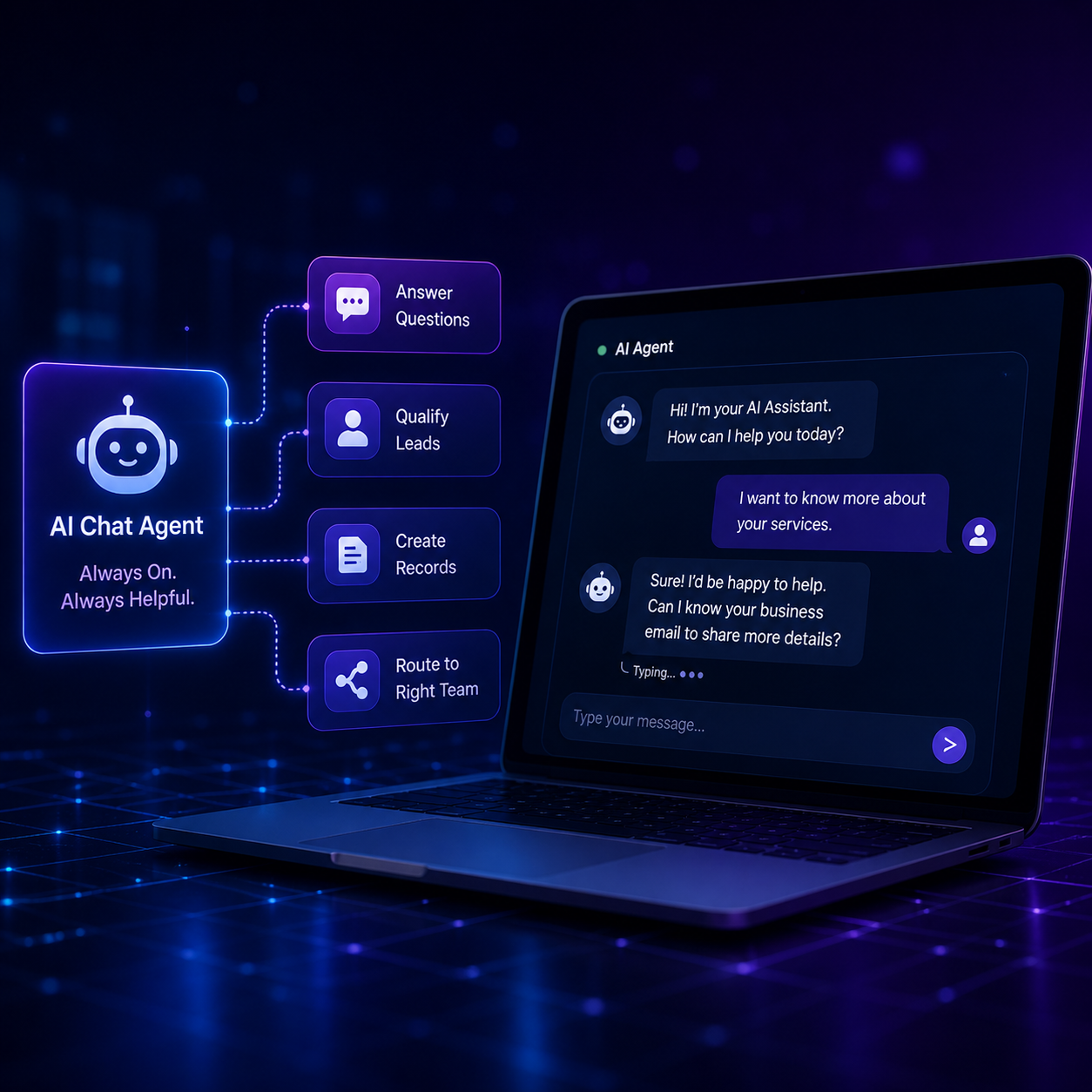
ai chat agent

AI Chat Agents

Website and internal chat agents that qualify leads, answer structured questions, create CRM records, and route conversations to the right team.

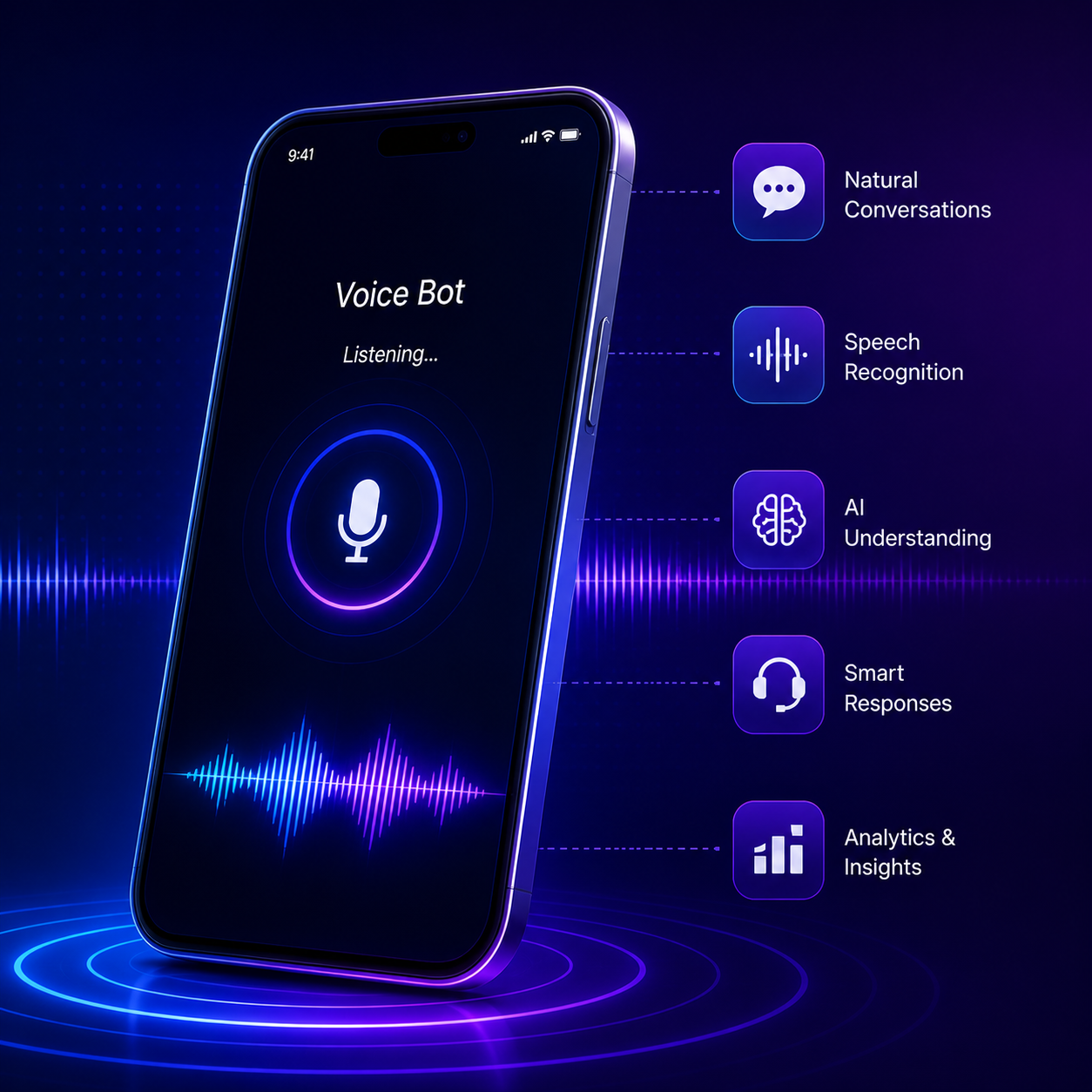
voice bot by cct

AI Voice Agents

Controlled voice automation for inbound calls, reminders, confirmations, triage, and CRM-connected customer conversations.

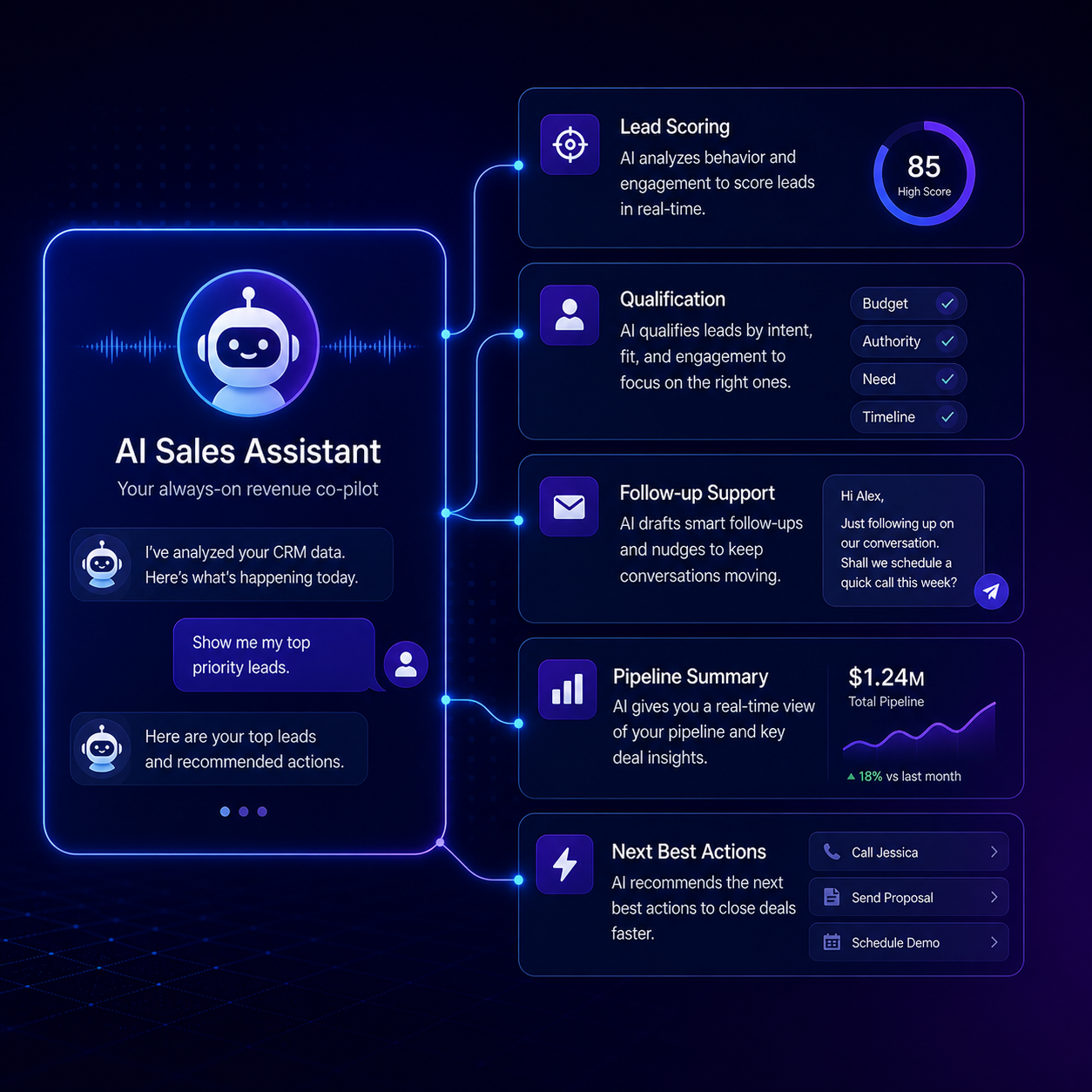
AI sales assistant

AI Sales Assistants

Lead scoring, qualification, follow-up support, pipeline summaries, and next-best-action recommendations for sales teams.

ai workflow assistant

AI Workflow Agents

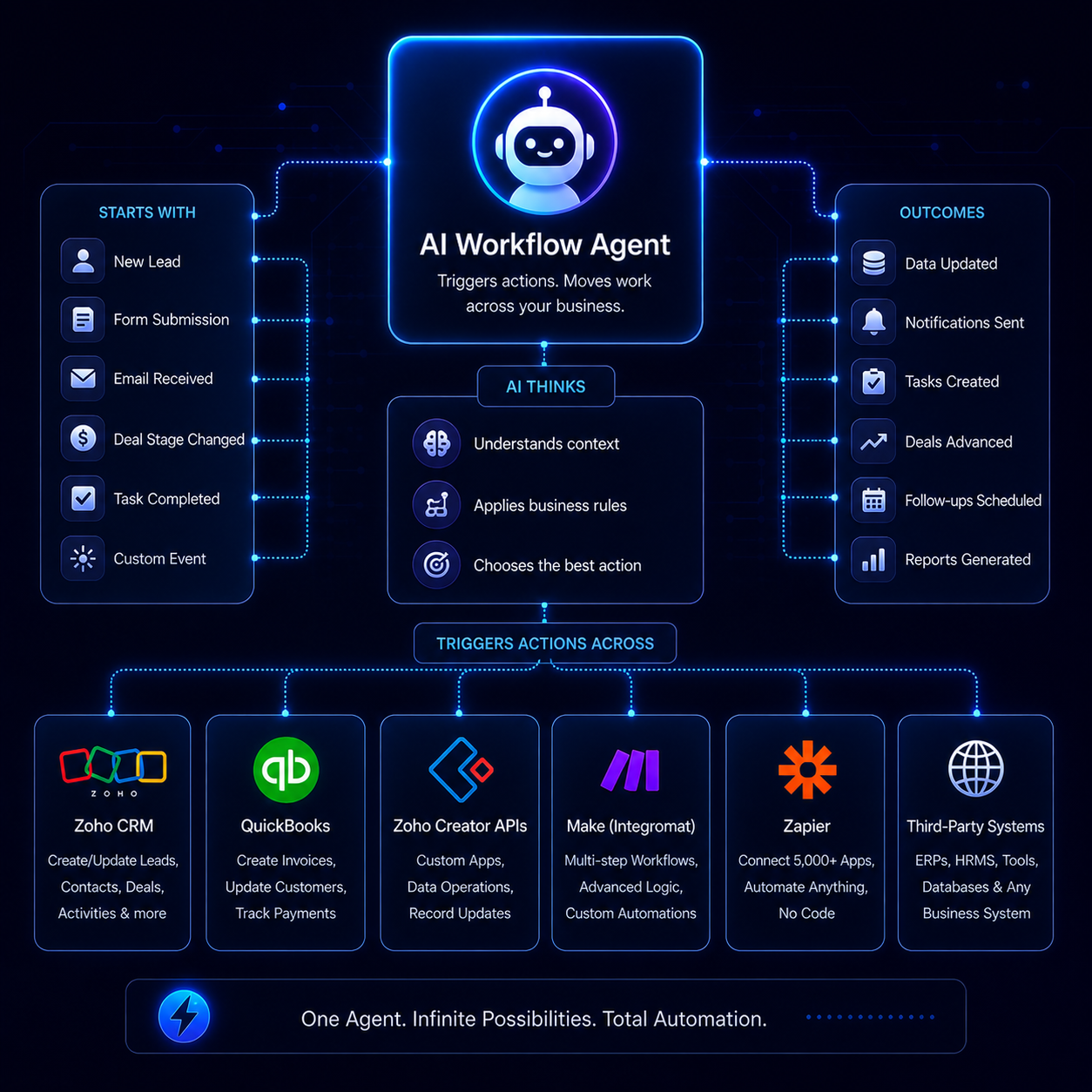
Agents that trigger actions across CRM, Desk, Books, Creator, APIs, Make, n8n, Zapier, and third-party business systems.

AI aware Assistant

AI CRM Assistants

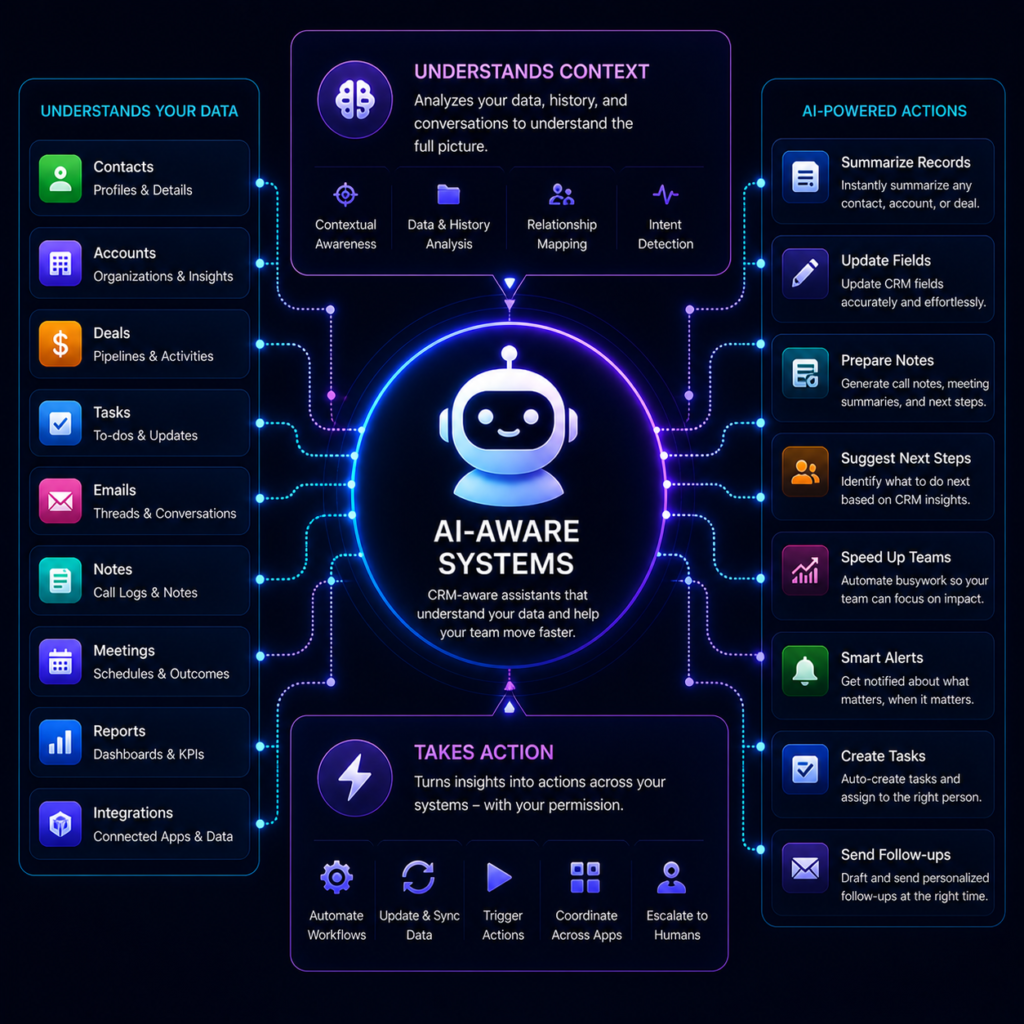
CRM-aware assistants that summarize records, update fields, prepare notes, and help teams work faster without losing context.

AI Analytics

AI Analytics Agents

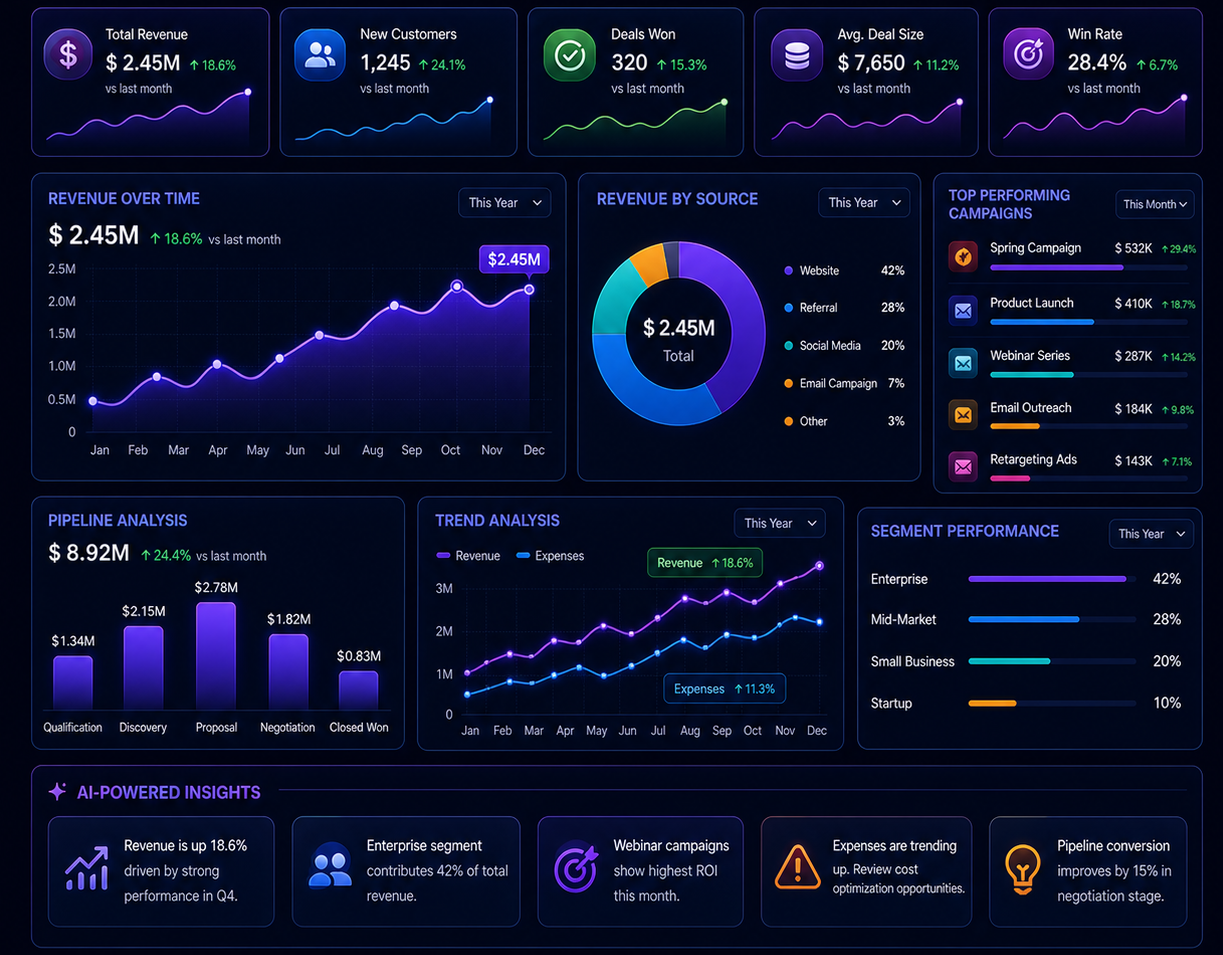
Decision intelligence agents that monitor data, detect patterns, generate insights, and support leadership reporting.

Voice Automation That Customers Can Trust

Voice is the most sensitive customer interaction channel. A poorly designed AI voice system can frustrate customers, damage trust, and create compliance risks. A well-designed voice agent can reduce call volume, qualify leads, streamline operations, and improve response times while keeping humans in control.

Inbound call triage

Appointment confirmations

Lead qualification

CRM call logging

 I want to know about your CRM solutions.

May I ask how many users your sales team currently has?

About 20, and we are growing.

System Action: Create lead in CRM, attach transcript, assign high-intent score, route to consultant.

Sample Voice Agent Flow

CRM-connected conversation logic

One business. Different AI agents for different responsibilities.

Filter the cards by function to see how AI agents can support sales, support, operations, finance, HR, management, and business data workflows

Lead & Enquiry Qualification Agent

Filter the cards by function to see how AI agents can support sales, support, operations, finance, HR, management, and business data workflows

Customer Support Agent

Classifies issues, identifies urgent cases, recommends responses, and escalates unresolved or high-priority tickets.

Workflow Coordination Agent

Monitors process stages, updates records, creates follow-up tasks, and keeps work moving across departments.

Invoice & Receivables Agent

Tracks invoices, reminds internal teams or customers, highlights overdue items, and routes exceptions for review.


HR Operations Agent

Coordinates onboarding, checks documents, tracks pending tasks, and supports structured employee operations.

Business Data Quality Agent

Finds missing fields, stale statuses, duplicates, and process inconsistencies across connected business systems.

Management Insight Agent

Surfaces only the exceptions that require attention, such as stalled work, delays, approvals, and risk points.

Onboarding & Handover Agent

Coordinates new customer, vendor, or employee onboarding with structured checklists and process tracking.

Account Intelligence Agent

Combines customer, support, finance, and activity history into one actionable business summary for teams.

AI Agents vs Chatbots vs Automation Tools

A chatbot responds. An automation tool triggers. A properly designed AI Agent understands context, works inside business systems, and escalates intelligently.

Capability

Chatbots

Automation Tools

AI Agents by CCT

Business Context

Limited

Rule-based

CRM-connected and context-aware

Actions

Mostly replies

Triggers workflows

Understands, decides, acts, and escalates

Human Control

Basic handoff

Manual review

Built-in escalation and override

Context & Memory

Single-session only

No native memory; static inputs

Long-term memory; cross-interaction history & CRM-aware

Handling Failures

Breaker loops / "I don't understand"

Workflow breaks/halts on error

Dynamic re-planning, self-correction, and human triage

Logic Execution

Static scripts

Rigid, linear paths (A -> B)

Dynamic reasoning (decides the steps needed based on the goal)

Best Use

FAQs

Repetitive tasks

Revenue, support, operations, and decision workflows

Human-in-the-loop AI business process illustration

Security, Controls & Governance

Human-in-the-loop AI

Escalation thresholds

When AI confidence drops, the system routes to the right human team.

Role-based access

Agents only access the business data they are allowed to use.

Audit logs

Every important action is traceable across CRM and workflow systems.

Human override

Teams remain accountable for judgment-based decisions.

AI Should Assist. Humans Should Stay Accountable.

We design AI Agents with clear control boundaries. Every agent needs rules for what it can do, what it cannot do, when it should escalate, what data it can access, and how every action is recorded. This is especially important for sales, support, finance, healthcare, legal, voice, and customer-facing workflows.

Start with one controlled, measurable agent.

The delivery model prioritizes business value, data readiness, permissions, testing, and human ownership before expanding into more use cases.

Assess

Review applications, workflows, data, integrations, and operational risks.

Prioritize

Select a high-value use case with reliable data and manageable process risk.

Design

Define role, knowledge, tools, actions, approval boundaries, and success metrics.

Pilot

Test real workflow scenarios, restricted actions, exceptions, and human handoffs.

Optimize

Measure accuracy, adoption, time saved, overrides, and business outcome improvement.

The Real Differentiator Is System Context

AI without CRM is blind. Every agent we build is designed to log activity, update records, attach conversations, trigger workflows, and preserve context across customer journeys.

CRM software icon

Zoho CRM

Zoho Desk customer support software icon

Zoho Desk

Zoho Books accounting software icon

Zoho Books

Zoho Creator low-code application development icon

Zoho Creator

Frequently Asked Questions

What is a business AI agent?

A business AI agent is a purpose-built digital worker that uses business context, connected applications, instructions, and approved tools to recommend or complete specific actions.

No. Some processes are better handled through standard software configuration, simple automations, or process redesign. The right solution should fit the actual workflow need.

Start with a repetitive, measurable workflow that has reliable data, limited risk, and a clear operational baseline—such as follow-up coordination, workflow tracking, onboarding, or data quality checks.

A traditional chatbot relies on static scripts, pre-defined menus, or basic keyword matching to answer FAQs; if a user deviates, the chatbot gets stuck.

An AI Agent possesses reasoning and action capabilities. It understands complex, unstructured user intent, breaks down requests into a series of steps, and dynamically interacts with your software ecosystems (like Zoho, APIs, or databases) to execute tasks, update records, and resolve issues autonomously.

A traditional chatbot relies on static scripts, pre-defined menus, or basic keyword matching to answer FAQs; if a user deviates, the chatbot gets stuck.

An AI Agent possesses reasoning and action capabilities. It understands complex, unstructured user intent, breaks down requests into a series of steps, and dynamically interacts with your software ecosystems (like Zoho, APIs, or databases) to execute tasks, update records, and resolve issues autonomously.

Security and data integrity are our top priorities. Our AI Assistants connect to your systems via secure, encrypted OAuth 2.0 API protocols. They operate strictly under Role-Based Access Controls (RBAC), meaning the AI is only permitted to read or write data within explicit boundaries defined by your administrators.

Every single API call, data modification, or workflow triggered by the agent is recorded in an immutable audit log for complete transparency.

Unlike rigid automation tools that break silently, our agents feature dynamic re-planning and built-in human triage.

If an agent encounters a system error, an edge case, or a confidence threshold score below your designated limit (e.g., 85%), it automatically pauses. It then seamlessly escalates the issue by routing the ticket, call, or chat to the appropriate human team member inside Zoho Desk or Slack, providing them with the full interaction history and a drafted response for manual approval.

Yes. While we are Zoho ecosystem experts, our AI Workflow Agents are platform-agnostic. We design them to bridge the gap between your CRM, internal databases, and external platforms using webhooks, APIs, or integration layers like Make, n8n, and Zapier.

For example, an agent can read an incoming email invoice in Gmail, verify the line items against a contract in Zoho CRM, generate the expense record in Zoho Books, and send a payment confirmation via WhatsApp.

 No. Voice automation works best for structured, repetitive interactions. We help determine fit

No. They reduce workload and improve efficiency but do not replace judgment-based roles.

Build Voice Automation That Customers Trust

If you’re considering AI calling solutions, struggling with the limitations of traditional IVR systems, or feeling concerned about the risks that come with voice automation, the answer isn’t simply adding more AI into the mix. 
Zoho Integrations